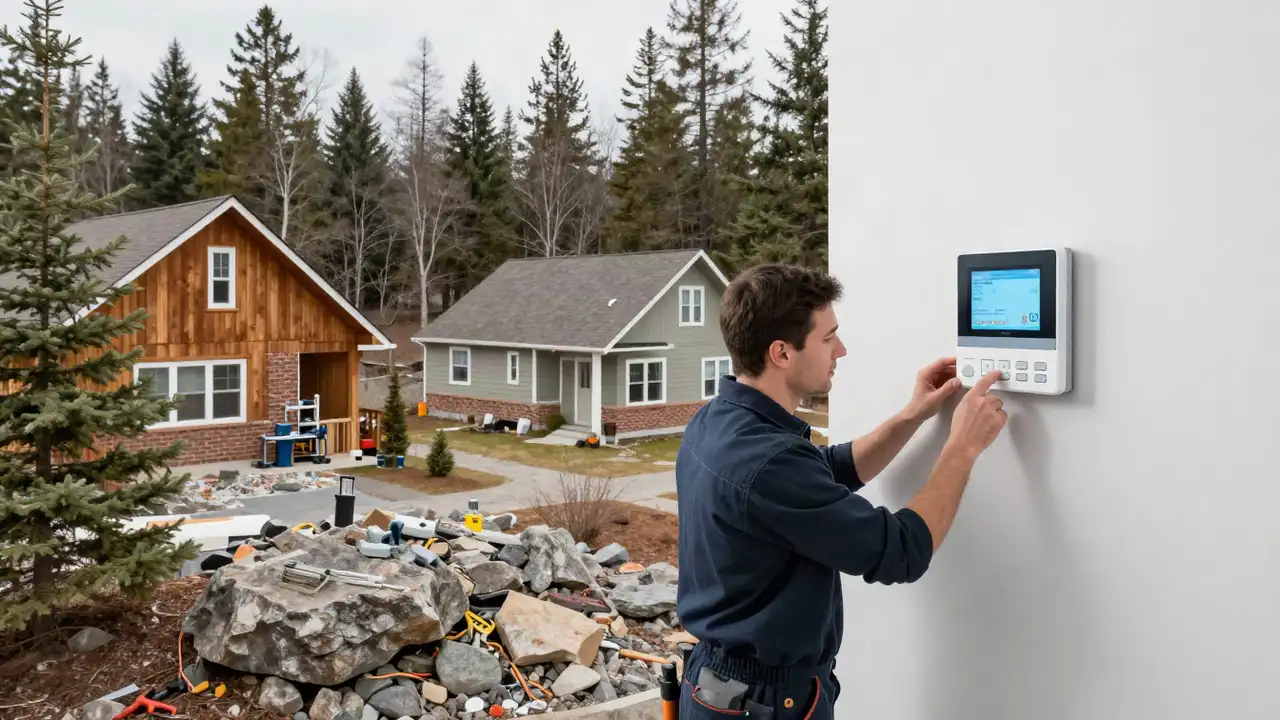
A smart thermostat setup for central AC in Sudbury is the process of replacing your existing thermostat with a Wi-Fi-enabled one, confirming it has a compatible low-voltage power source, and programming it to match how your home actually cools. Done correctly, it takes about 60 to 90 minutes and costs between $180 and $450 in 2026 depending on whether a C-wire has to be run. Done incorrectly, it is the reason your AC short-cycles, your fan runs nonstop, or your new $300 thermostat sits dark on the wall.
Sudbury homes have a specific set of quirks that affect this job - older two-wire thermostat runs in West End and Copper Cliff houses, heat pumps paired with central AC in newer Minnow Lake builds, and cottage-style systems in Valley East that were never designed for a 24-volt smart device. Below we walk through what setup really involves, how to check your wiring, which thermostats hold up in Northern Ontario, and the mistakes that cost homeowners the most.
What smart thermostat setup actually involves
Smart thermostat setup for central AC Sudbury homeowners ask about is not just downloading an app. It is four distinct steps: verifying your system's control voltage, mounting the new base plate, connecting the correct wires to the correct terminals, and configuring the thermostat so it understands you have a cooling system, a fan, and - in many Sudbury homes - a furnace that runs the same blower.
Most of the work is in step one. A central AC condenser and your furnace air handler communicate through low-voltage control wires, usually 24 volts AC. Your thermostat is the switchboard. If the new thermostat does not get constant power, it will either fail to boot or drain its internal battery every few weeks.
Here is what a standard setup looks like on a Sudbury central AC system:
- Power down the furnace at the breaker and the service switch.
- Photograph the existing thermostat wiring before removing anything.
- Label each wire - R, C, G, Y, W, and any others.
- Mount the new base plate and reconnect wires to matching terminals.
- Restore power, boot the thermostat, and run a cooling test cycle.
- Connect to Wi-Fi, register the device, and set your schedule.
That last step is where most homeowners leave money on the table. A smart thermostat that is installed but never programmed runs the same schedule as the $30 builder-grade unit it replaced.
Do you need a C-wire for a smart thermostat in Sudbury?
Yes - most smart thermostats need a C-wire, which is the common wire that supplies continuous 24-volt power from your furnace or air handler. Without it, the thermostat has to steal power from the cooling or heating circuit, which causes flickering displays, dropped Wi-Fi, and in some cases short-cycling of the AC.
Older Sudbury homes are the ones most likely to be missing a C-wire. If your house was built before the mid-1990s and still has its original thermostat cable, you probably have four wires (R, G, Y, W) and no C. That is normal. It is also fixable.
Three options exist when there is no C-wire:
- Run a new thermostat cable from the furnace to the thermostat location. This is the cleanest solution and the one we recommend whenever the wall is accessible.
- Use a C-wire adapter kit that installs at the furnace control board. Works well on most systems, adds about 20 minutes to the job.
- Choose a thermostat that does not require a C-wire, like certain Nest models, and accept the trade-offs - shorter battery life, occasional Wi-Fi drops, and less reliable performance in cold weather.
If you are also considering a full system upgrade, our team handles Central Air Conditioner Installation in Sudbury, Ontario and we run new thermostat wiring as part of the install so you never deal with this problem twice.
Which smart thermostat works with your central AC?
The best smart thermostat for Sudbury Ontario homes is one that supports a conventional 24-volt forced-air system, has a C-wire terminal, and holds up to indoor humidity swings between 30% and 60% - which is what most Sudbury basements see from June through September.
Three families of thermostats dominate the market right now, and each fits a different situation:
- Ecobee Smart Thermostat Premium - includes a remote sensor, which is genuinely useful in two-storey Sudbury homes where the upstairs bedrooms run 3 to 5°C warmer than the main floor. Requires a C-wire.
- Google Nest Learning Thermostat - strong app, learns your schedule, and some models work without a C-wire. Best for single-zone homes with predictable routines.
- Honeywell Home T-series - the workhorse choice for homeowners who want reliability over features. Pairs cleanly with almost any central AC, including older Carrier and Lennox condensers common in Sudbury.
Skip anything that only supports heat pumps or only supports millivolt systems. If you are not sure what your system is, the model number on the outdoor condenser tells you everything. Snap a photo of it and any installer can confirm compatibility in under a minute.
Smart thermostat wiring in Sudbury: what we check first
Smart thermostat wiring Sudbury jobs almost always come down to the same four checks. We do these before we touch the thermostat, because skipping them is how homeowners end up blowing a low-voltage fuse on the furnace board.
- Wire count and colour code. Standard is R (red, 24V hot), C (blue or black, common), G (green, fan), Y (yellow, cooling), W (white, heating). Anything else - orange, brown, or a jumper - means we need to trace it.
- Voltage at the thermostat. We measure between R and C. You want to see 24V AC, plus or minus 10%. Lower than that and the thermostat will behave unpredictably.
- Furnace control board terminals. We confirm the C terminal on the board is actually live. Some older boards have a C terminal that is not connected to anything.
- Transformer capacity. A smart thermostat draws more current than a mechanical one. If your furnace transformer is already near its limit, adding a smart device can cause nuisance trips.
If you live in a neighbourhood with a lot of pre-1980 housing stock - say, Central AC Installation in West End - expect at least one of these checks to turn up something. It is not a problem. It is just the reality of wiring that was installed when a thermostat was a mercury switch and nothing more.
Programming your thermostat for a Sudbury cooling season
Programming for central AC Sudbury Ontario homeowners get wrong most often is the setback schedule. People copy a schedule from a blog written for Phoenix and end up with an AC that runs harder than it needs to in a Sudbury summer.
Sudbury's cooling season runs roughly from late May through mid-September, with the hottest stretch in July and early August. Design temperatures sit around 30°C, and overnight lows in summer often drop to 12-15°C. That matters, because your AC can recover from a setback much faster here than in a southern climate.
A schedule that works well for most Sudbury homes:
- 6:00 AM - 8:00 AM: 22°C (wake-up comfort)
- 8:00 AM - 4:30 PM: 25°C (away setback)
- 4:30 PM - 10:30 PM: 22°C (evening comfort)
- 10:30 PM - 6:00 AM: 23°C (sleep - slightly warmer than daytime)
That 3°C daytime setback typically cuts cooling runtime by 15% to 25% on a standard Sudbury home. If you have a heat pump rather than a straight AC, keep setbacks to 2°C or less - heat pumps recover slowly and large setbacks can trigger the auxiliary heat strip, which costs more than you save.
Enable these features if your thermostat supports them:
- Humidity control - Sudbury summers hit 65-75% RH regularly. A thermostat that slows the fan on a call for cooling removes more moisture.
- Fan circulation - running the blower 15 minutes per hour evens out temperature between floors.
- Geofencing - switches to away mode automatically when your phone leaves the area.
Common mistakes we see on DIY smart thermostat setups
We get called to fix these every cooling season. Almost all of them are avoidable.
- Not photographing the old wiring. Once the wires are loose, you are guessing. Take the photo first.
- Confusing Rc and Rh. On systems with separate heating and cooling transformers, these are not interchangeable. Jumper them wrong and you can damage the transformer.
- Skipping the breaker. Low-voltage wiring is unforgiving. Touching R to C with the system live blows the 3-amp fuse on the furnace board - a $5 part that costs $150 in labour to diagnose.
- Mounting over a draft or in direct sun. A thermostat on an exterior wall or near a supply vent reads the wrong temperature and runs your AC constantly.
- Ignoring the firmware update. New thermostats ship with old firmware. Update before you program, or your schedule may not stick.
- Assuming the old thermostat was correct. We regularly find thermostats installed on the wrong wall, with the wrong wire on Y, or with a fan setting that never actually ran the fan.
If your home is older and has had multiple renovations, the wiring behind the thermostat may not match anything in the manual. That is a common situation in Central AC Installation for Older Homes in Sudbury, Ontario, and it is one of the reasons we always trace wires rather than trust colours.
When to call a professional
Call a professional if any of the following is true: your thermostat has fewer than five wires, you cannot find a C terminal on your furnace board, your system has a heat pump, your home has more than one zone, or you have already tried a DIY install and the AC is not responding.
Those five situations cover about 70% of the calls we run. The other 30% are homeowners who simply want it done right the first time, with the thermostat mounted level, the wiring labelled, the schedule programmed, and the app set up on their phone before we leave.
Our team handles Smart Thermostat Installation & Integration in Sudbury, Ontario as a standalone service, and we also wire thermostats into new systems when we install them. If you are not sure whether your existing thermostat wiring can support a smart device, we can tell you in a five-minute phone call.
Frequently Asked Questions
How do I set up a smart thermostat for my central AC in Sudbury Ontario?
Power down the furnace, photograph and label the existing wires, mount the new base plate, connect R, C, G, Y, and W to matching terminals, restore power, and run a cooling test. Then connect Wi-Fi and set a schedule with a 2-3°C daytime setback. Budget 60-90 minutes.
Which smart thermostat works with my central AC in Sudbury?
Any thermostat that supports a conventional 24-volt forced-air system will work. Ecobee, Nest, and Honeywell T-series all pair cleanly with the Carrier, Lennox, and Goodman condensers common in Sudbury. Confirm your system is not a heat pump before buying.
Do I need a C-wire for a smart thermostat in Sudbury Ontario?
Most models do. If your home was built before the mid-1990s, you likely have four wires and no C. You can run a new cable, install a C-wire adapter at the furnace, or choose a thermostat that does not require one. Running a new wire is the most reliable fix.
Who installs smart thermostats near me in Sudbury Ontario?
HVAC contractors who work on central AC systems. Big-box stores sell the hardware but do not install it. Look for an installer who will trace your existing wiring, confirm voltage, and program the schedule - not just swap the unit and leave.
Can a smart thermostat save money on cooling in Sudbury?
Yes. A properly programmed 3°C daytime setback typically cuts cooling runtime 15% to 25% during Sudbury's June-September season. On a typical home that is $80 to $180 per year in electricity, which pays back the thermostat in two to three cooling seasons.
Get help with Central AC Installation in Sudbury
If you want your smart thermostat wired, mounted, and programmed properly the first time - and tied cleanly into your central AC - we handle that across Sudbury and the surrounding communities. We also install and replace the systems the thermostat controls, so everything works together from day one.
Call Sudbury Central AC Installation at 444-333-111 to book a smart thermostat setup or ask whether your existing wiring will support one.